Users
On the Users page you can:
see the users of the tenant,
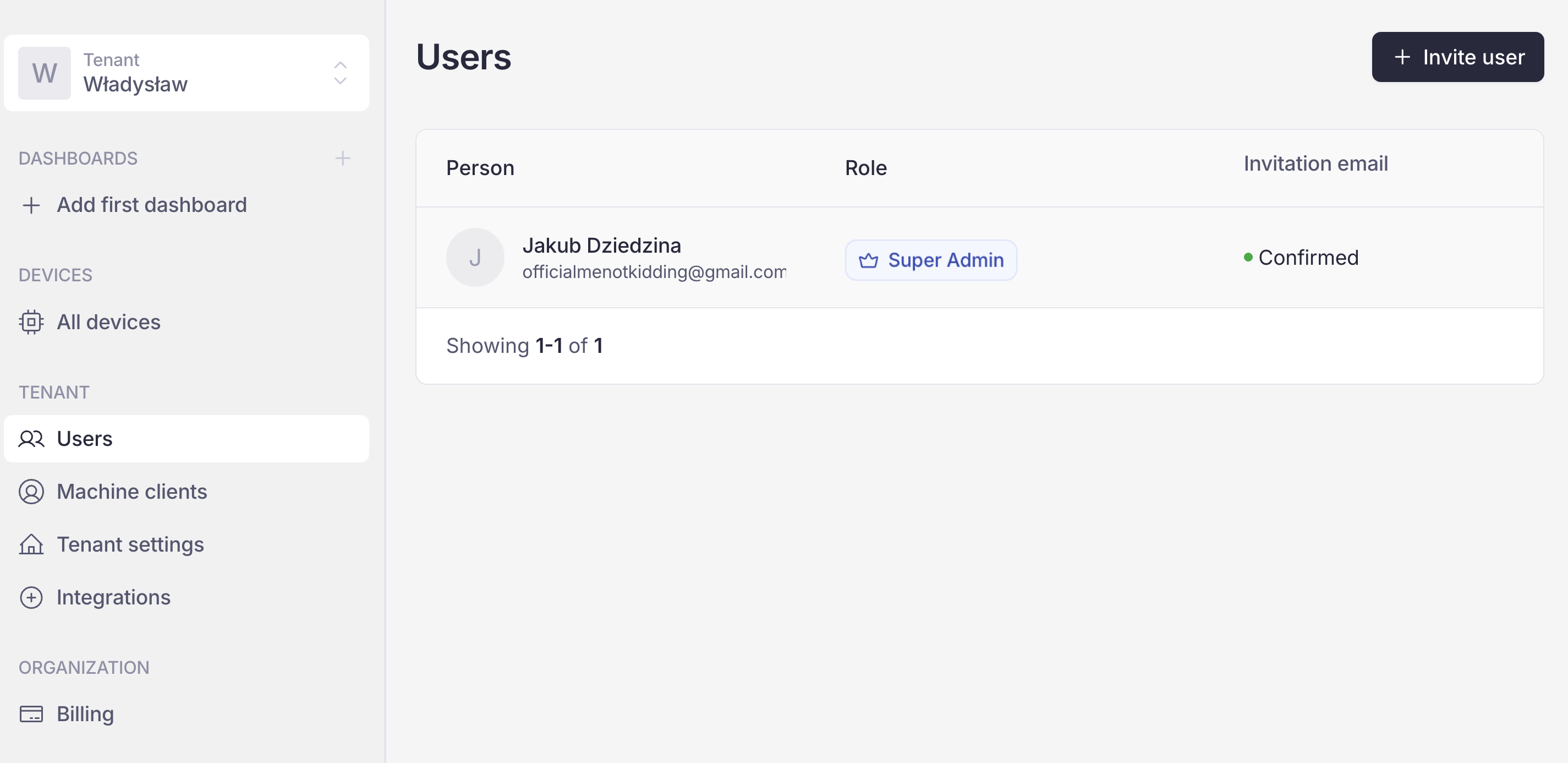
Users page
Add users to the tenant
Click Invite user.
In the Invite user window, enter the email address of the user you want to add.
Select one of the four roles.
Click Invite user.
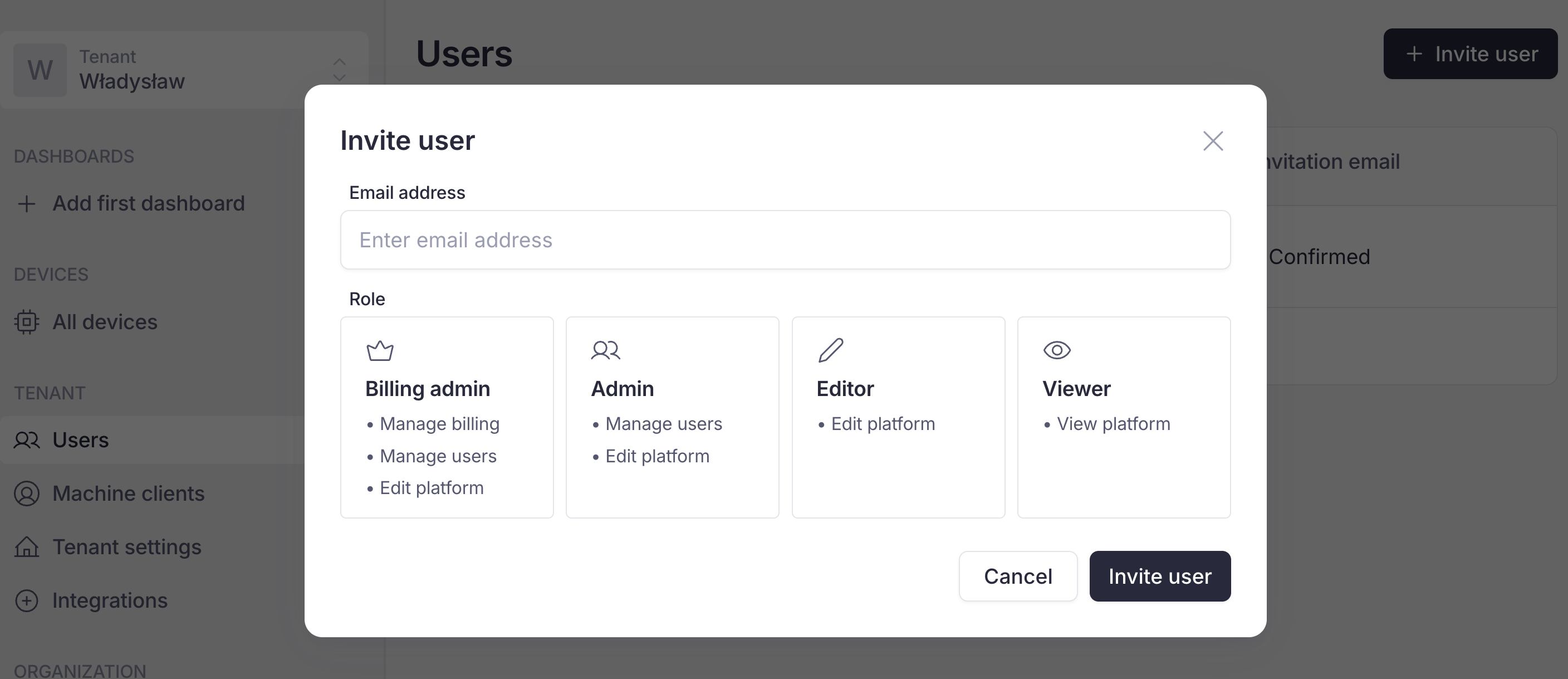
Inviting a user to the tenant
Edit user’s role
On the Users page, click on one of users.
In the Edit window, select the new role.
Click Save.
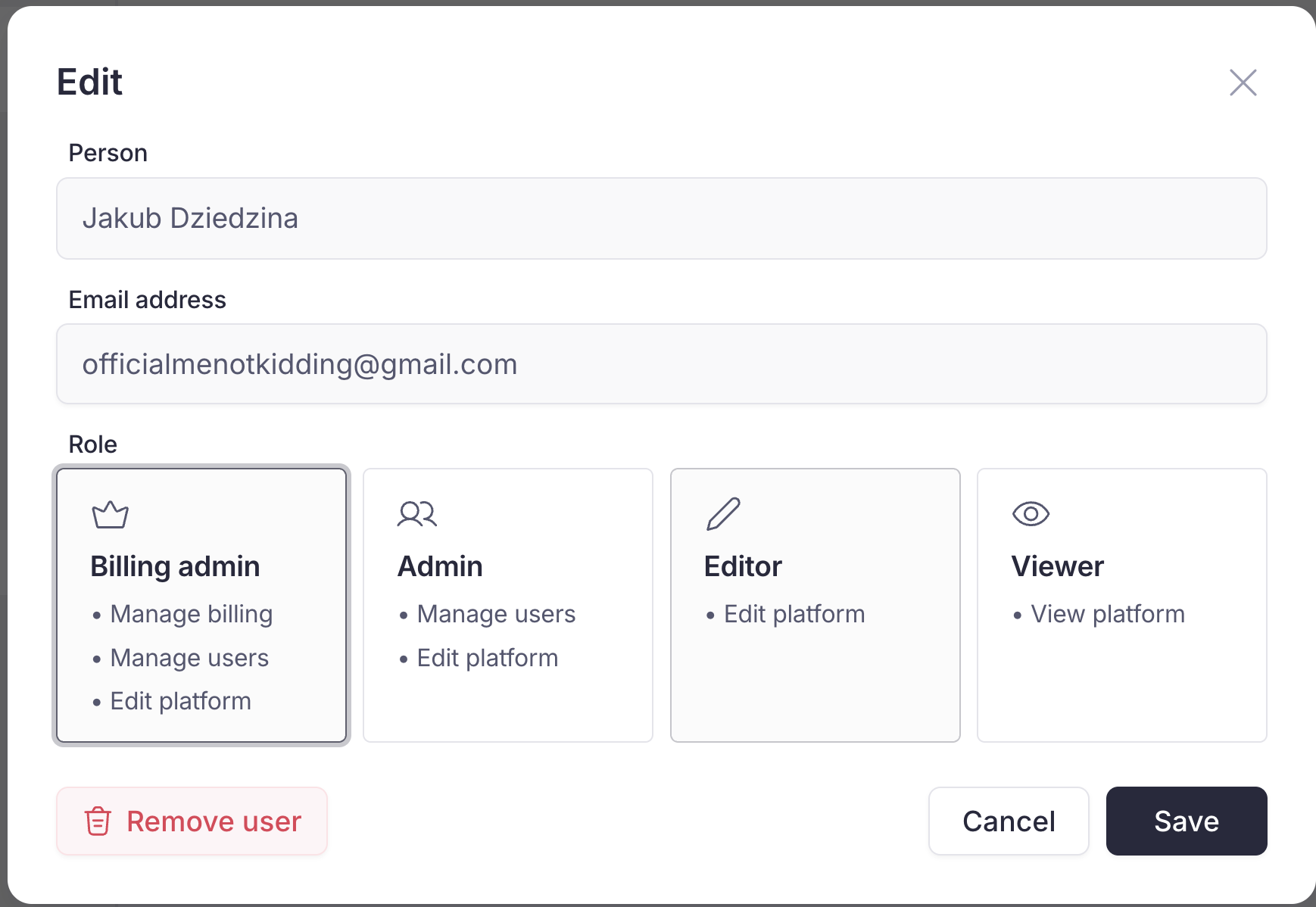
Edit view
Remove user
On the Users page, click on one of the user.
In the Edit window, click the red Remove user button.
Confirm by clicking the red Delete button.
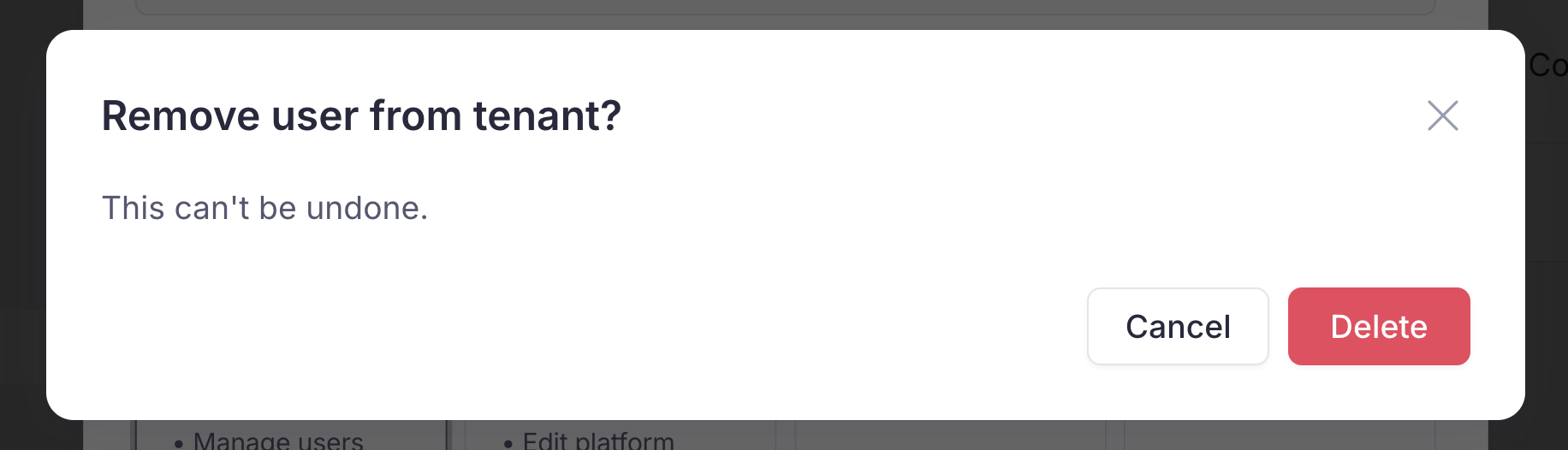
Remove user confirmation
User actions
In the User actions logs user can see actions made in the tenant. You can also:
show the logs from a period, with From and To dates,
search for specific logs,
export the logs from the selected period with Export.
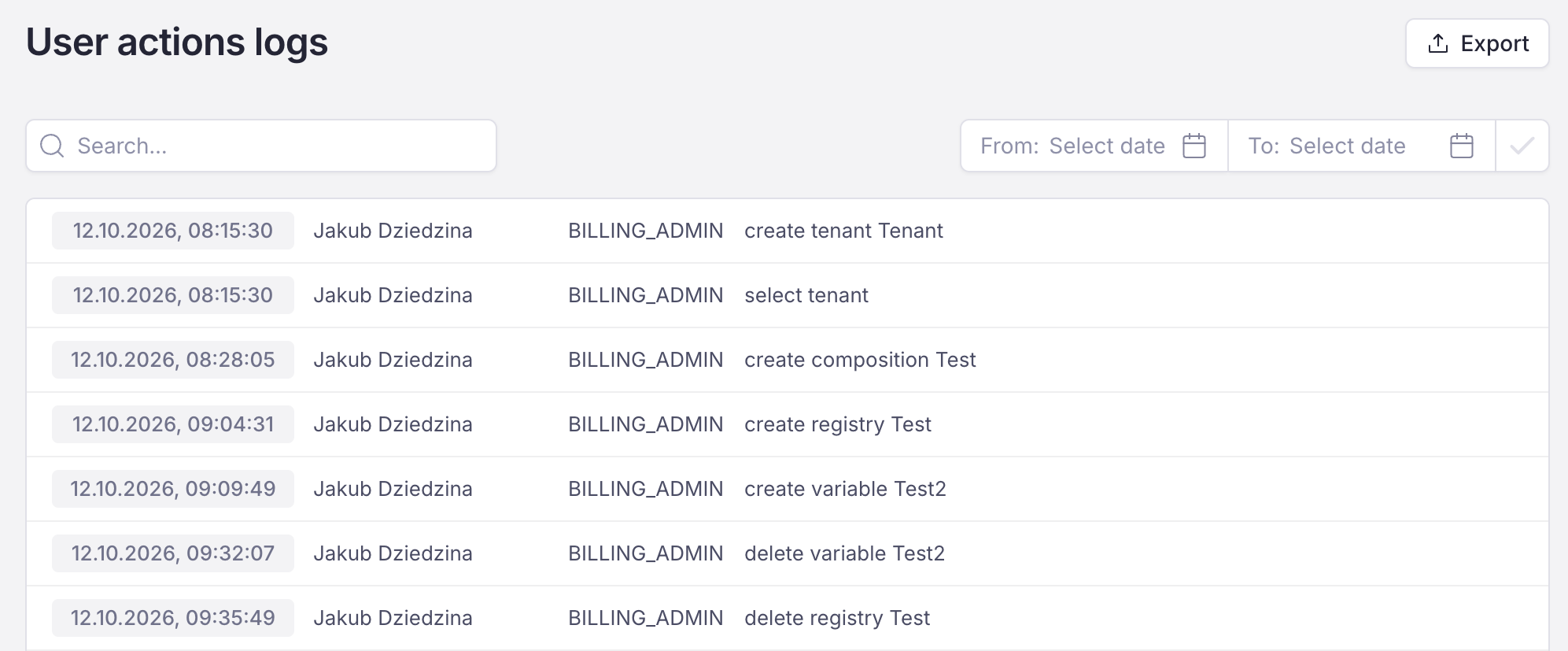
User actions logs